
Hey, ZipWP community!
We’re super happy to announce the latest update of ZipWP. This time around, we’ve made some huge changes that you don’t want to miss!
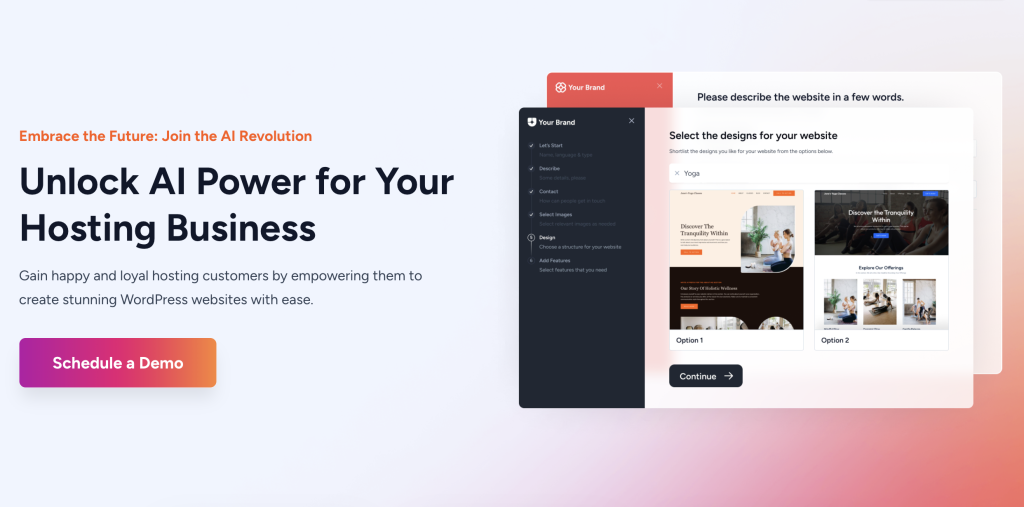
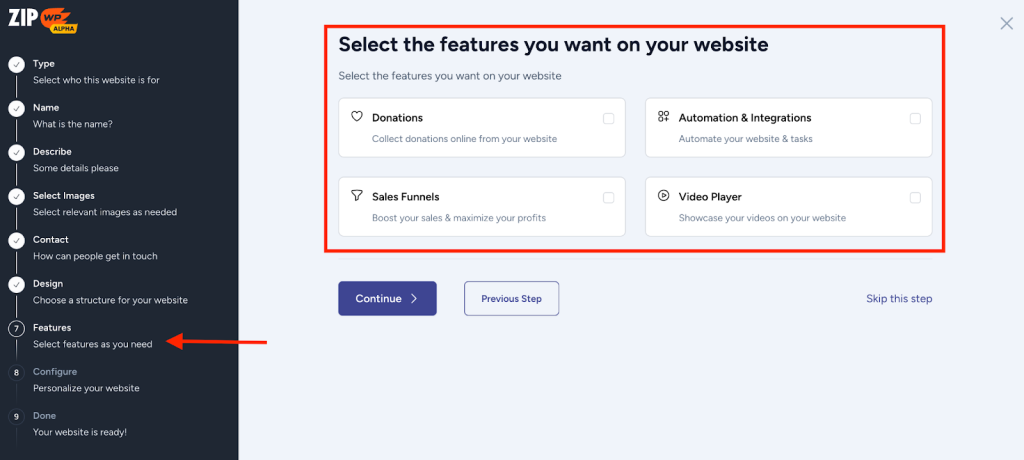
ZipWP now features an improved UI/UX for creating AI websites. You can easily add your own images and see the release notes directly in your ZipWP account. Exciting stuff, right?
Here’s what’s how it all works ????
Improved UI/UX for Effortless AI Site Creation
The ZipWP team has spent time a lot of time, making it easy for you to create AI websites. Our designers have worked hard to give you the best possible user environment for building your dream websites.
The new ZipWP UI for generating AI websites is simple, intuitive, and designed to create the AI websites you need in the most efficient manner possible.
Be sure to check it out!
Choose Your Own Images
With ZipWP, you have access to thousands of royalty-free images for your website, along with recommendations designed for your business type.
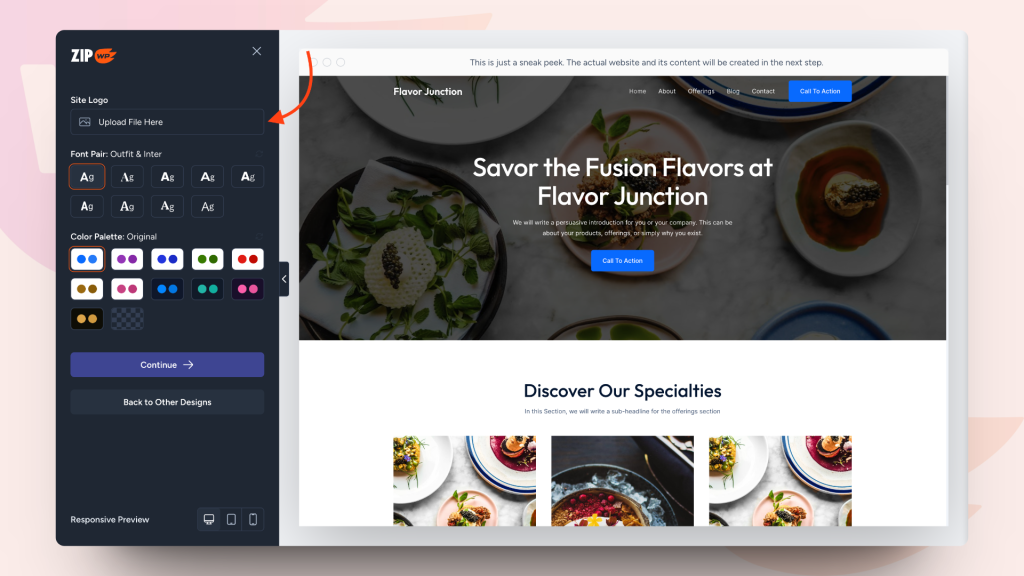
However, we at ZipWP understand you might have specific images in mind for your site. That’s why our latest update allows you to upload your own images while creating AI sites!
Furthermore, you can upload a custom site logo for your website!
Whether you want to:
- Implement unique design ideas
- Display your brand logo
- Showcase your product images
And more. You can do it all with ZipWP. The possibilities are endless.
Don’t Miss Out On Any Updates
The ZipWP team is constantly working to deliver new updates that improve your experience, introduce exciting features, and address any issues you encounter.
To keep you informed, our team has introduced a convenient way to access release notes directly within your ZipWP account!
This way, you can stay up-to-date on the latest changes and try out new features as soon as they’re available.
The ZipWP team encourages you to explore these features on your own and share your feedback!
Stay tuned for more exciting updates coming soon!
Cheers,
Team ZipWP