
Choosing an AI website builder today can feel confusing. Every tool promises speed, simplicity, and great results, but they do not all work the same way.
Hostinger and ZipWP are both strong AI website builders, but they are built for very different use cases and audiences.
Hostinger started as a web hosting company and later added an AI website builder.
ZipWP, on the other hand, launched as a true AI WordPress website builder and later added managed WordPress hosting.
So which one fits your needs better?
This Hostinger vs ZipWP comparison breaks it all down in simple terms.
Hostinger vs ZipWP: Quick Feature Showdown
Before getting into details, it helps to compare the core features side by side. Some of these will matter a lot depending on how you plan to use your site.
| Feature | Hostinger | ZipWP |
| Free version | ❌ | ✅ |
| Multi-language support | ❌ | ✅ |
| Create website with AI | ✅ | ✅ |
| AI content quality | Basic | Advanced, more human-like |
| Design flexibility | Limited curated templates | Multiple curated layouts |
| White label options | ❌ | ✅ |
| Staging sites | ✅ | ✅ |
| Clone websites | ✅ | ✅ |
| Blueprints and reusable setups | ❌ | ✅ |
| Managed WordPress hosting | ✅ | ✅ |
| WordPress ownership and portability | ❌ | ✅ |
| Agency workflows | Limited | Built-in |
This comparison highlights the practical differences between a closed AI website builder and a flexible AI WordPress website builder.
Both tools offer AI-powered website creation, but the experience and long-term flexibility are very different.
With ZipWP, that flexibility stretches beyond the builder itself. You can pair your site with any plugin or WordPress theme collection you like, which simply isn’t possible with Hostinger’s closed system.
Create A Website With AI
Hostinger and ZipWP both use AI to speed up website creation, but they approach the problem from different angles.
Hostinger focuses on speed and simplicity. ZipWP also values speed, but it adds WordPress ownership and reusable workflows on top.
This difference becomes clear as soon as you start building.
Hostinger AI Website Building
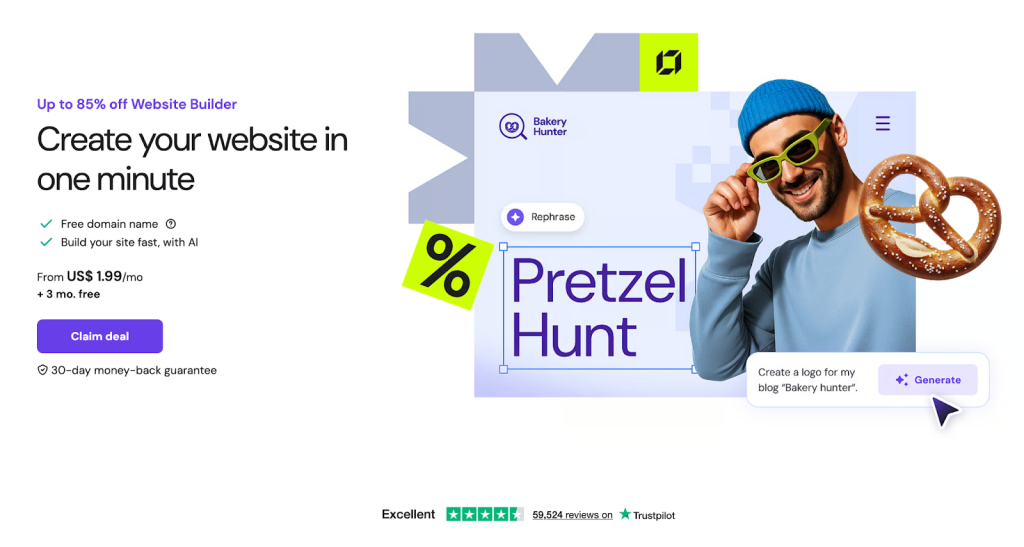
Hostinger offers several ways to build a website. You can use WordPress, its AI website builder, Hostinger Horizons for app-style projects, or a manual setup with HTML or PHP.
For this comparison, we focus on the Hostinger AI Website Builder, which is designed to get a site online quickly.
How It Works
Once you choose the AI website builder, Hostinger generates a complete site in about a minute. It selects the layout, images, fonts, and copy for you.
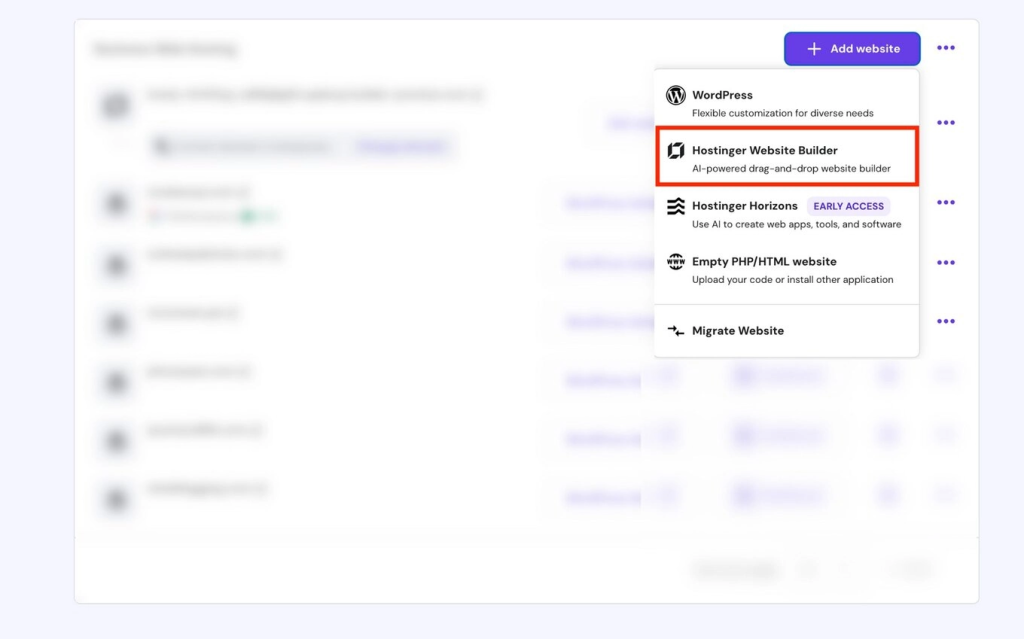
You do not need to make many decisions upfront. If the first version does not feel right, you can regenerate the design until something clicks.
If you choose an online store during setup, Hostinger automatically adds basic eCommerce features, which makes it appealing for small shops.
Overall, the experience is smooth and beginner friendly.
Watch this quick video to see how Hostinger AI builds a website from scratch:
Where Hostinger Works Best
Hostinger’s AI copy and layouts work well as placeholders. Most sites will still need manual polishing before launch, especially if branding and tone matter to you.
The editor is easy to use, but design options are limited compared to WordPress builders. That tradeoff makes sense for users who want speed over customization.
This makes Hostinger a good choice if you want an AI website builder with hosting included, minimal setup, and a simple workflow.
ZipWP AI Website Building
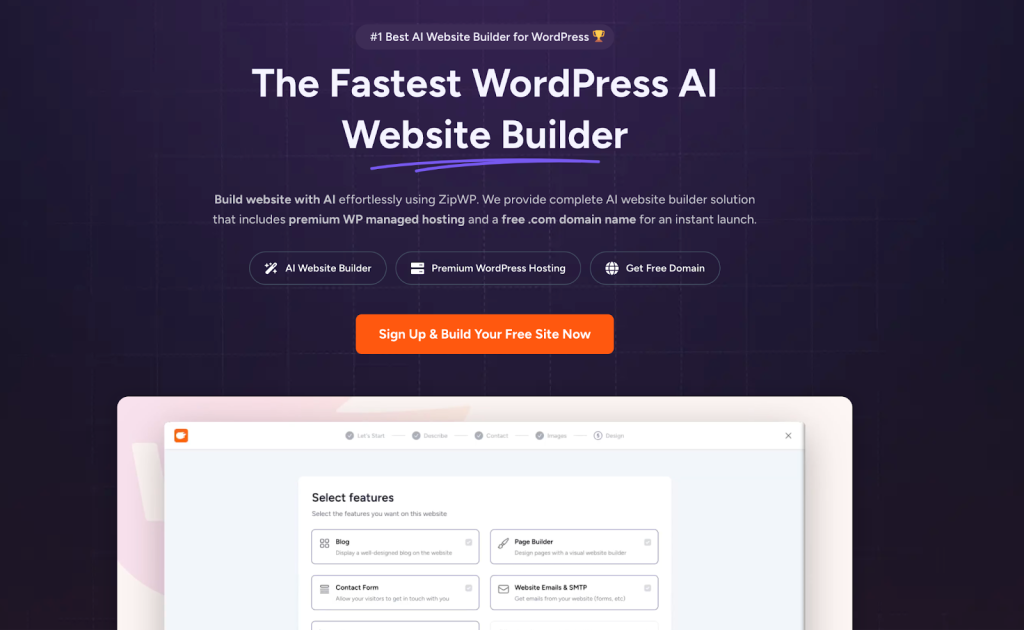
ZipWP takes a very different approach.
If your goal is to build a WordPress website using AI, ZipWP feels more like starting a real project, not a demo site.
You can create a complete website without paying upfront, which already sets it apart from Hostinger.
A More Flexible Start
ZipWP asks a few simple questions about your business, industry, and goals. You can write your own description or let the AI refine it.
From there, it generates multiple layouts, pulls in relevant images, and sets up a full WordPress site with content already in place.
It feels closer to setting up a production WordPress site than using a closed website builder.
Here’s a quick look at what that process actually looks like in action.
Hosting, Staging, and Workflows
Unlike earlier versions, ZipWP now includes managed WordPress hosting, along with staging environments and reusable blueprints.
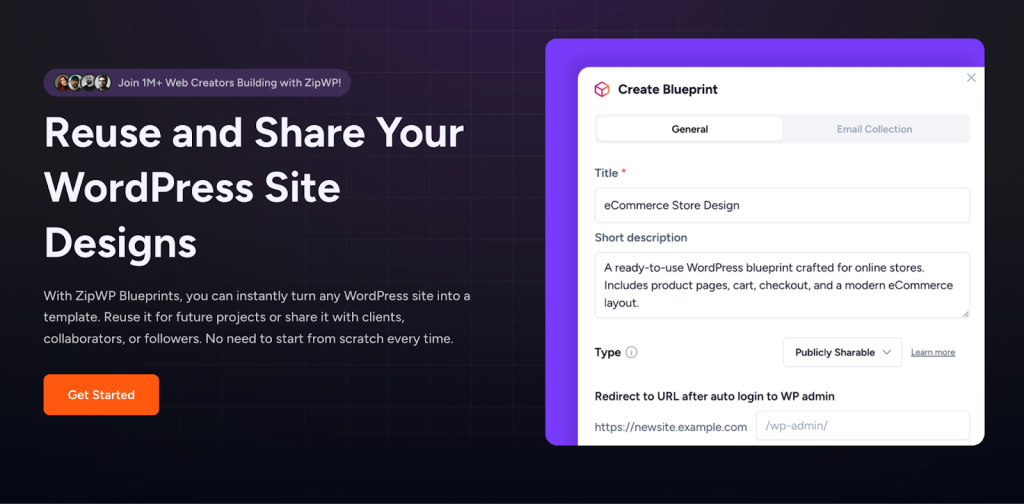
You can:
- Create staging sites
- Clone projects
- Reuse layouts and setups across clients
- Move your site to another host if needed
Agencies will recognize this workflow instantly. You are not locked in, and you fully own your WordPress site.
Website Customization: Make It Your Own
A website should reflect your brand, not just follow a template. Both tools allow customization, but the depth is very different.
Customizing Your Site With Hostinger
Hostinger’s editor is clean, visual, and easy to understand, especially if this is your first time building a website.
You can drag and drop sections, move elements around, and edit text or images directly on the page.
When you click on an element, a small toolbar appears with the most common options, so you are not digging through menus.
For many users, this feels comfortable right away.
Hostinger also provides a library of pre-designed sections, such as hero areas, contact blocks, testimonials, and pricing layouts. These help you assemble a decent looking site quickly, even if you are not confident about design choices.
That said, customization has clear limits. Layout structure is mostly fixed, advanced styling options are minimal, and you cannot deeply customize how sections behave.
This works fine for simple business sites, landing pages, or quick projects, but it can feel restrictive if you want more control or plan to scale the site later.
In short, Hostinger prioritizes speed and ease over flexibility.
Customizing Your Site With ZipWP
ZipWP is built on WordPress, so you are not limited to a single editor or workflow.
By default, it works with Spectra, a Gutenberg-based page builder focused on clean layouts and performance.
You can customize your site using drag and drop WordPress blocks, layout patterns, and full page templates, with fine control over fonts, spacing, and structure.
ZipWP also includes AI content generation for WordPress pages and blogs, which helps speed up content creation without locking you into fixed layouts.
If you prefer a more visual design experience, ZipWP also supports Elementor. This gives you more flexibility for advanced layouts, landing pages, and design-heavy projects, especially if you already use Elementor for client work.
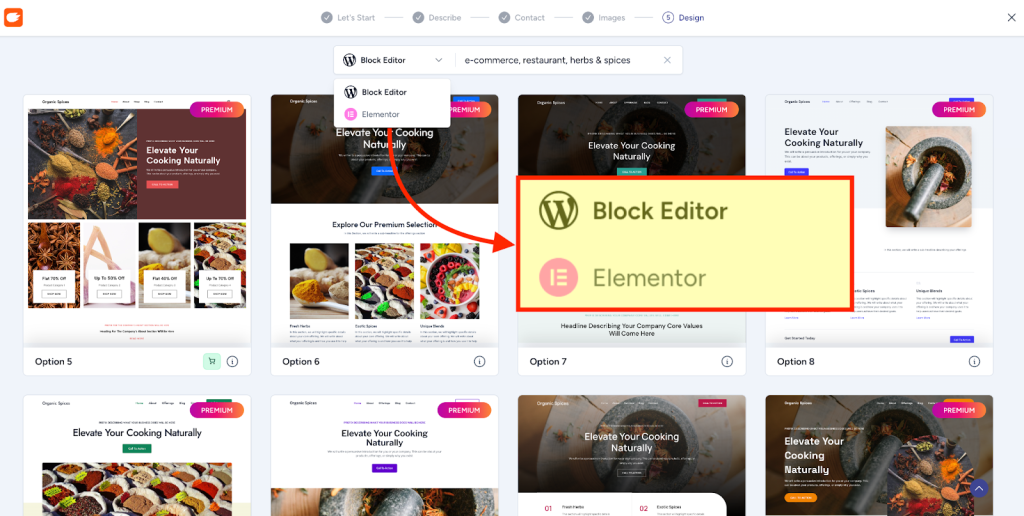
The key difference is choice. You can keep things lightweight with Spectra or use Elementor for deeper customization. Either way, you are building a real WordPress site that can grow and change over time.
If you want even more design options, you can also browse Astra Starter Templates or themes from vendors like SuperbThemes to complement your build.
Final Verdict: Which AI Website Builder Fits You Best?
Both Hostinger AI and ZipWP AI are solid AI website builders, but they are designed for very different long-term paths.
Choose Hostinger if:
- You want one site online quickly with minimal decisions
- You prefer an all-in-one builder with hosting included
- You do not plan to work deeply with WordPress
- You are comfortable staying within Hostinger’s ecosystem long term
Hostinger works best when simplicity and speed matter more than flexibility.
Choose ZipWP if:
- You want a WordPress site you fully own and control
- You want the freedom to use Spectra, Elementor, or other WordPress tools
- You need staging, cloning, and reusable setups
- You plan to scale, manage client sites, or grow content over time
ZipWP is a better fit when your website is a long-term asset, not just a quick launch. That extends to choosing your own WordPress theme, something a closed builder like Hostinger doesn’t allow.
There is no wrong choice here. The right option depends on whether you value speed and simplicity or flexibility and ownership after launch.
FAQs
Join 931,900 Subscribers
Disclosure: This blog may contain affiliate links. If you make a purchase through one of these links, we may receive a small commission. Rest assured that we only recommend products that we have personally used and believe will add value to our readers. Thanks for your support!


Recommended Articles
Empower Your Influence & Content With ZipWP Blueprints!
LinkedIn to Website in Seconds: The ZipWP Magic Formula