
- Purchasing a New Domain through ZipWP Cloud
- How to Connect Your Domain and Go Live with ZipWP Cloud?
- What is ZipWP Cloud?
- Understanding the ZipWP Cloud Dashboard
- Connecting a Custom Domain to Your Site (Nameserver vs. CNAME)
- Why is My WordPress Site Not Loading? (Common Causes & Fixes)
- Disk Usage & File Limits (Inodes) Explained
- AI Troubleshooter
Try ZipWP AI Website Builder As a Host
We’ve created a special demo specifically designed for hosting providers like you. It allows you to see firsthand how ZipWP AI website will help your customers to create professional, branded websites in minutes, all without needing any coding knowledge.
This interactive demo gives you an experience of the intuitive interface of the AI website builder as if it were branded for your own hosting company. Imagine your logo and colors seamlessly integrated throughout the building process, creating a familiar and trustworthy experience for your customers.
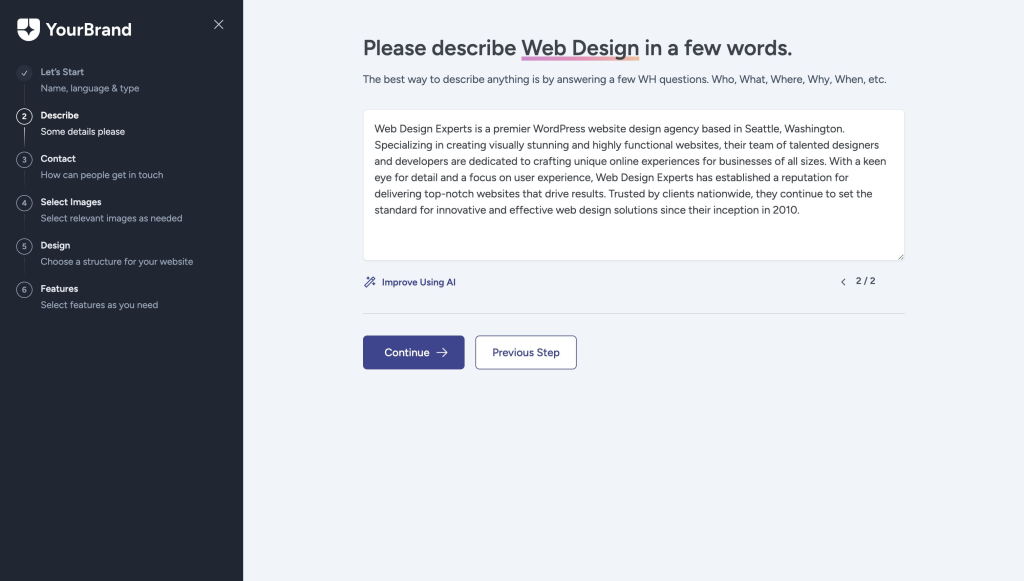
The AI website builder will ask clear and concise questions to gather the information needed to build a beautiful and functional website. It’s a truly streamlined process that empowers your customers to take control of their online presence.
How Does the AI Website Builder Work with Your Hosting Service?
Well, it’s very simple. There’s no need for complex coding to integrate the AI website builder with your hosting service. Just a vanilla WordPress setup just with a plugin that is white-labeled.
Here’s how it works:
- When your customers install WordPress from your hosting service, you’ll simply need them to insert a custom ZipWP plugin with the installation, which you can get upon partnering with us as a host.
- This custom plugin installs the AI website builder and automatically applies your brand colors and logo.
Learn more about setting up the AI website builder for your hosting service here: https://whm-staging.zipwp.com/docs/setting-up-zipwp-for-hosting/
How to Try the Demo?
To see how the AI website builder will look at your customer’s end, you can simply follow the steps below:
- Please visit this link: https://app.zipwp.com/blueprint/zipwp-host-demo-k5m
- Fill out your name and email address and click on “Launch”

- A new WordPress website will be created, just as it would be created on your hosting platform.
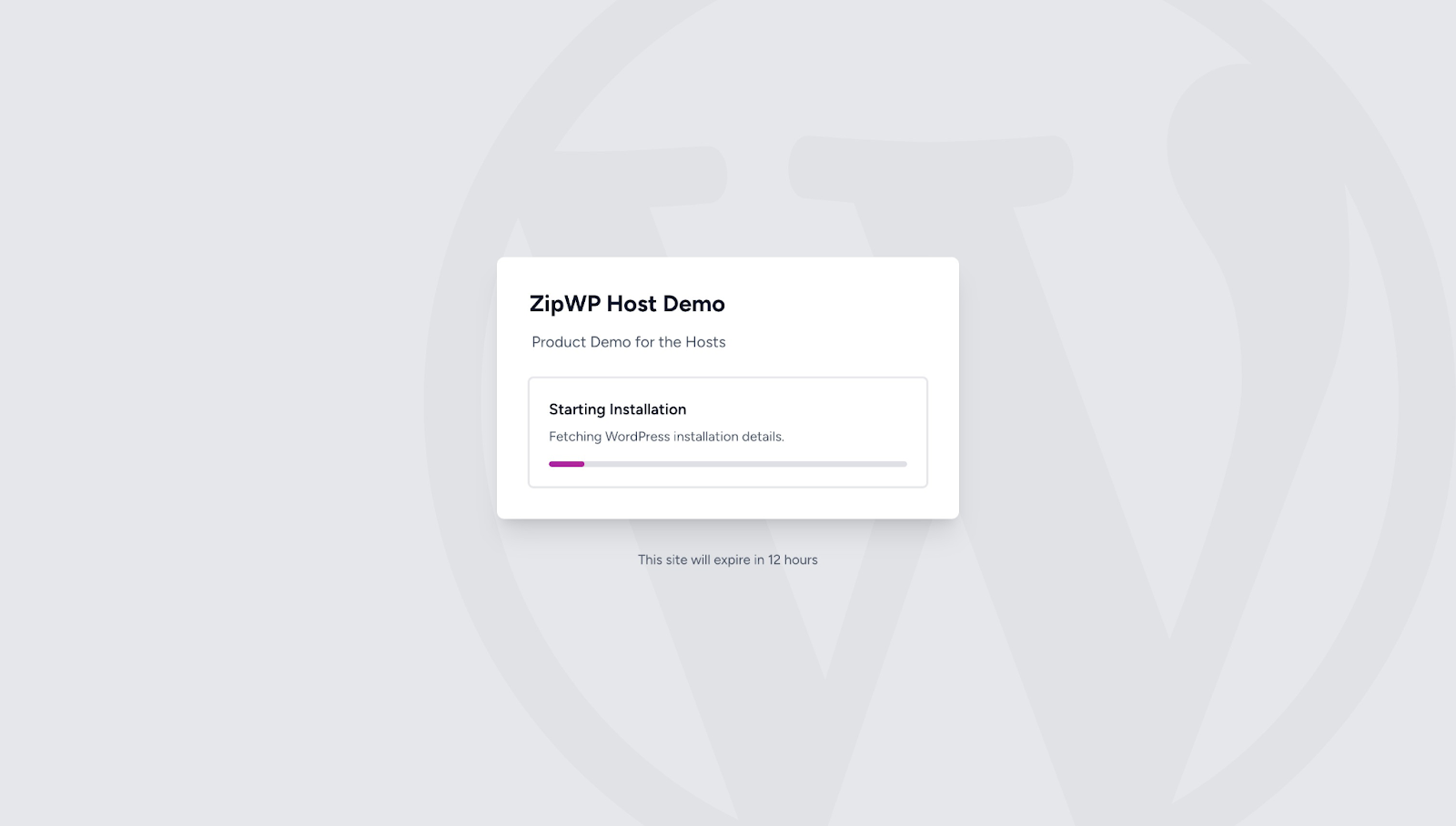
- Once the installation is complete, your customers will be taken to the AI website builder where the AI website builder will ask them questions to build the website. You will notice the that it doesn’t show ZipWP’s branding. You can put your brand colors and logo when you use AI website builder with your hosting service.

- Once you provide the information, your website will be ready. Your customers can upload your logo, choose a color palette.

- Upon clicking on the Continue button, they will be able to access their website.

Now, they can visit your website and review the design, images, and admin dashboard.
If they want to build the website again with the AI website builder for any reason, they can go to the “Appearance” menu in the WordPress admin area and click on “AI Builder.” They will be able to access the AI website builder again.
This is the how the white-labelled version of ZipWP will work with your hosting service.
Hope you find this article helpful. If you have any questions, please feel free to get in touch.
We don't respond to the article feedback, we use it to improve our support content.